Overview
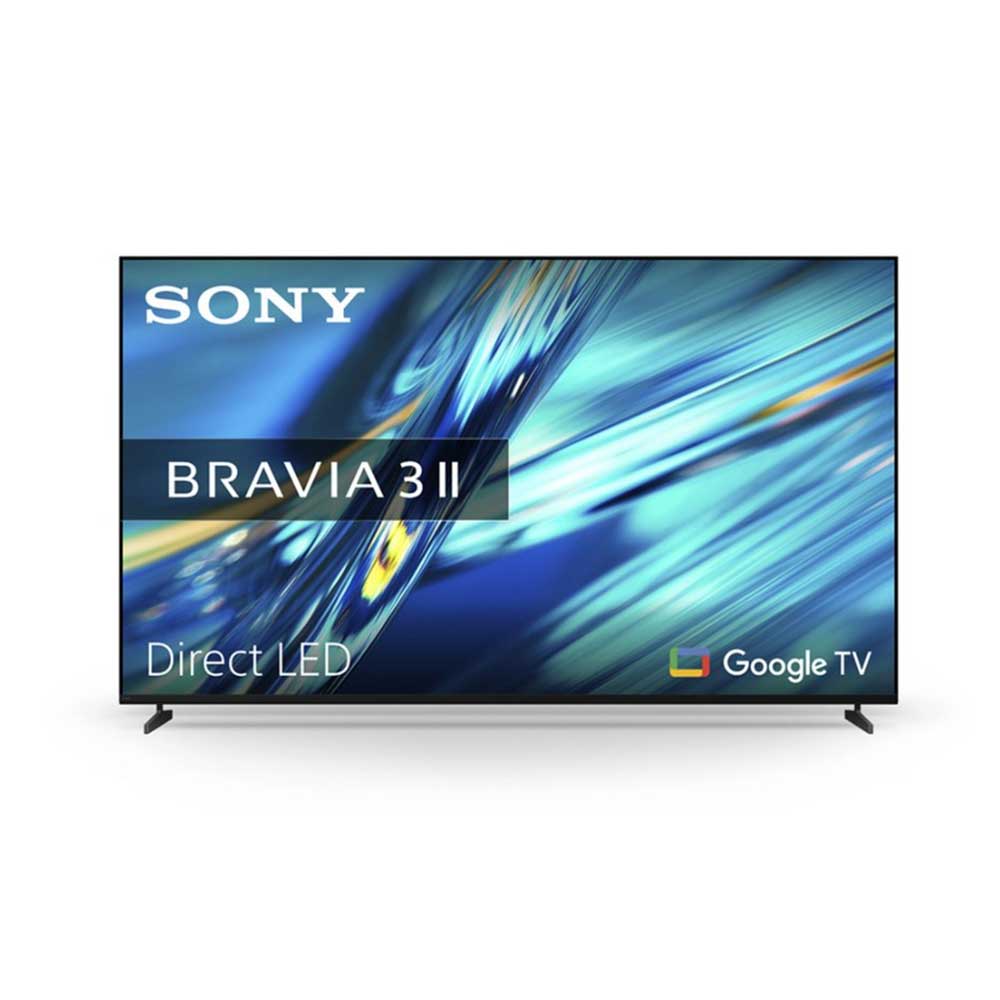
The Sony BRAVIA 3 II K85XR38M2PB.UKA brings together an expansive 85-inch screen, 4K Ultra HD resolution and Google’s smart TV platform. It is worth considering if you want a large television for a spacious living room or dedicated entertainment area, whether your main interests are films, sport, streaming or console gaming.
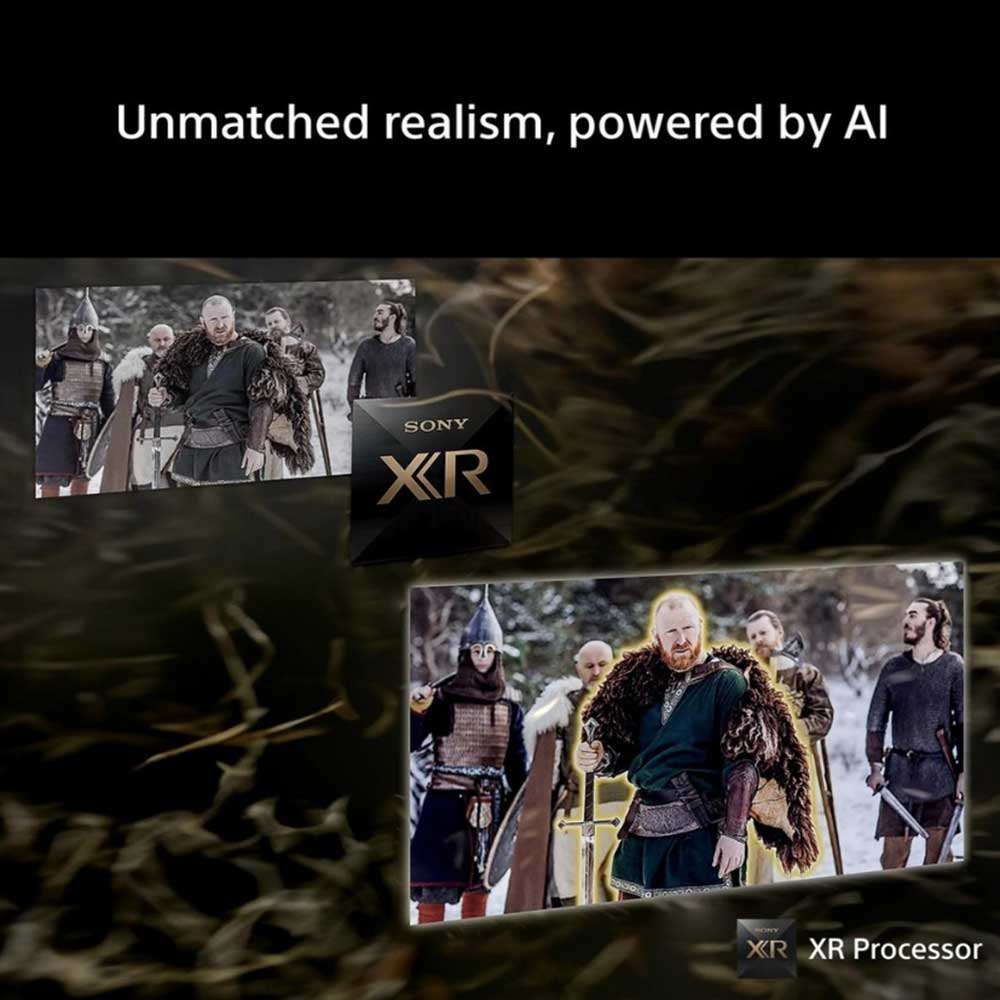
Sony’s XR Processor uses AI-based scene recognition to refine colour, contrast and clarity. XR Triluminos Pro reproduces a broad range of colours, while XR Clear Image processes compatible lower-resolution content to upscale it towards 4K. These features help the television handle different sources, from high-resolution films to everyday broadcasts.
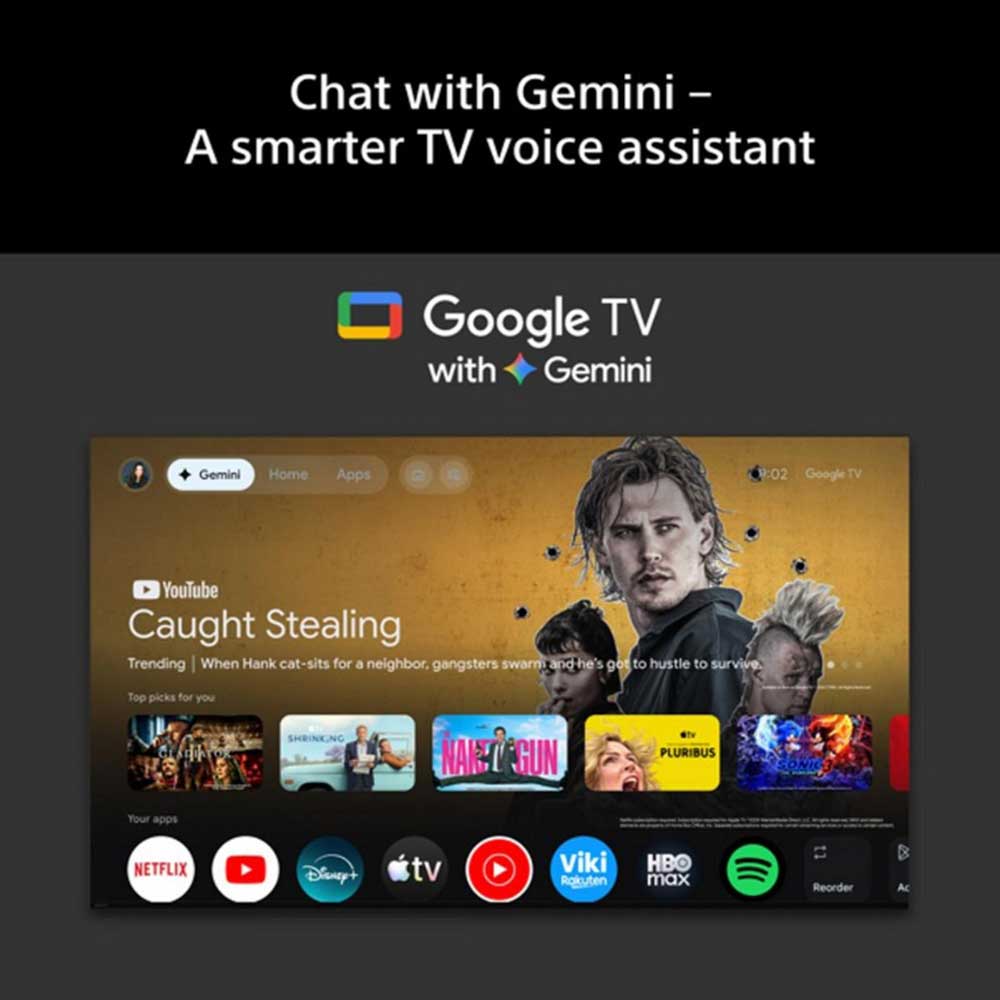
Google TV brings supported streaming apps and entertainment together in one interface. Voice control and content-sharing options through Google Cast and Apple AirPlay 2 provide additional ways to find and enjoy compatible content.
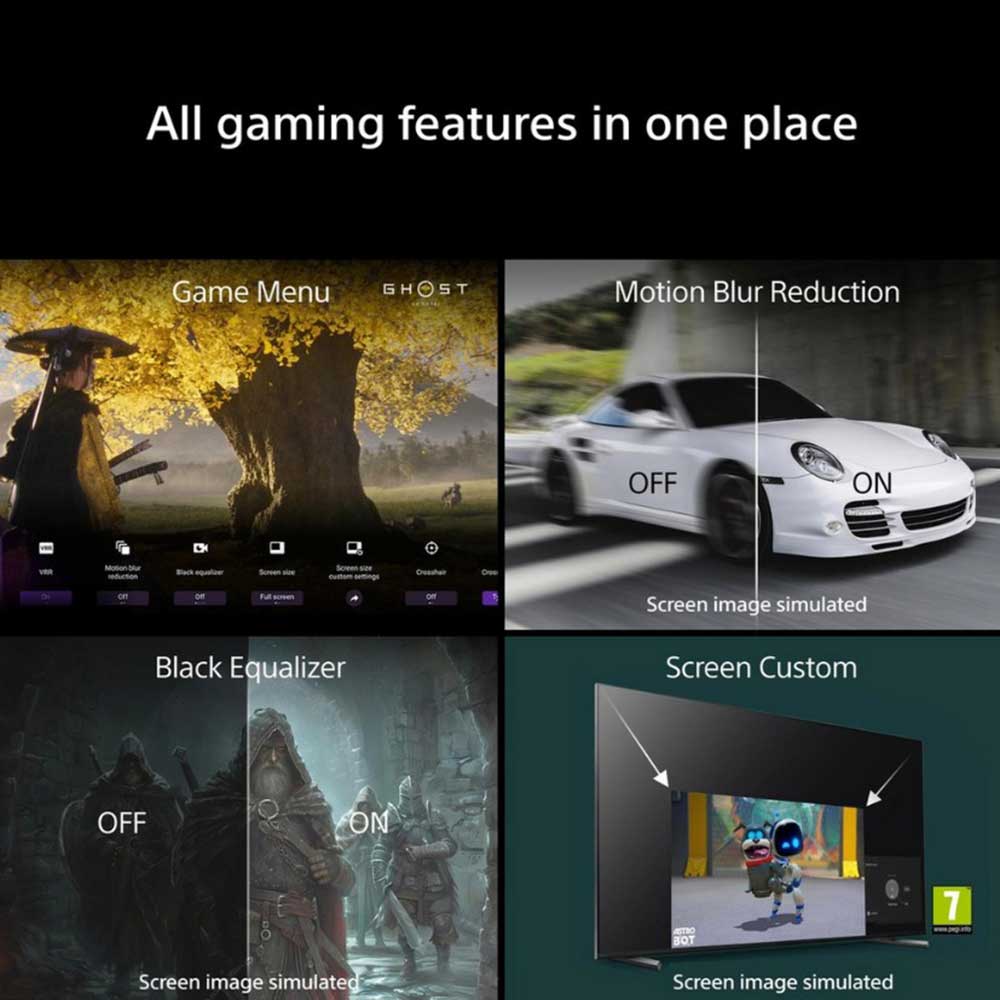
For gaming, the television supports 4K at 120fps, Variable Refresh Rate and Auto Low Latency Mode with compatible equipment. Dolby Vision, Dolby Atmos and DTS support also make it suitable for compatible films and audio content.
An 85-inch screen needs careful planning. Before buying, measure the available space, consider your viewing distance and check how the television will be positioned. If you are planning to wall-mount it, make sure the bracket and wall are suitable for a screen of this size.
Picture Quality & Smart Features
Detailed 4K Ultra HD viewing
The 4K Ultra HD display has a resolution of 3840 × 2160 pixels, providing fine detail from compatible 4K content. On an 85-inch screen, picture resolution is an important consideration, particularly if you regularly watch high-quality films, sport or streaming programmes.
The quality of the original source still matters. Native 4K content can make full use of the screen’s resolution, while lower-resolution broadcasts and videos rely more heavily on the television’s picture processing.
XR Processor for picture refinement
Sony’s XR Processor analyses scenes using AI-based picture recognition to refine colour, contrast and clarity. This helps the television present detail and tonal differences across different types of content.
From bright outdoor scenes to darker film sequences, the processing works to adjust the picture according to what is being displayed. The result depends on the original material and your selected picture settings.
XR Triluminos Pro colour
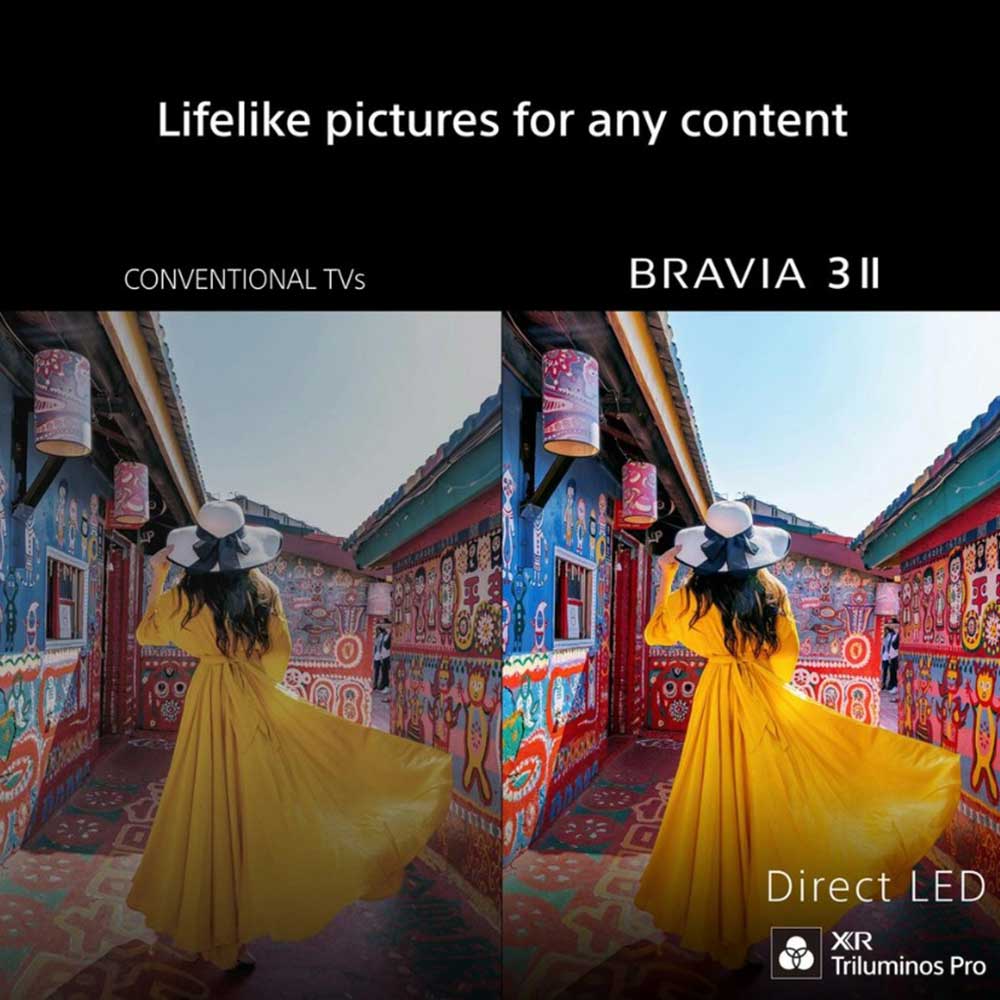
XR Triluminos Pro is designed to reproduce over a billion colours, including subtle differences between shades. This helps compatible content show a wider variety of colours, from natural landscapes and wildlife documentaries to animation and films.
A broader colour range can help preserve distinctions between similar tones, rather than making every colour appear equally intense. The effect depends on the source material and picture settings.
XR Clear Image AI upscaling
Not all television broadcasts and streaming videos are available in native 4K. XR Clear Image analyses compatible lower-resolution content and uses AI processing to upscale it towards 4K, working to restore detail and reduce unwanted picture noise.
This can be useful if you watch a mixture of high-resolution streaming, standard television broadcasts and older programmes. Upscaling cannot recreate all the information in native 4K footage, but it can help lower-resolution content make better use of the screen.
Google TV for everyday entertainment
Google TV brings supported streaming apps, films and programmes into one interface. You can browse available content and open compatible services without needing a separate streaming player for every app.
Voice control offers another way to search for programmes and access supported functions. App availability and features depend on your region, account, subscriptions and software version.
Google Cast and Apple AirPlay 2 also allow compatible devices to share supported content with the television. This is useful for viewing photographs, playing supported media or sharing content from compatible apps.
HDR support for compatible films
The television supports Dolby Vision, HDR10 and HLG formats. High Dynamic Range (HDR) allows compatible content to carry additional information about brightness and colour, helping preserve detail in bright highlights and darker areas of a scene.
Dolby Vision content can use its HDR information when played through a compatible source. The picture you see depends on the original content, picture settings and viewing environment.
Features That Matter
HDMI 2.1 gaming features
The BRAVIA 3 II supports 4K at 120fps, Variable Refresh Rate (VRR) and Auto Low Latency Mode (ALLM) with compatible gaming equipment.
Each feature serves a different purpose:
- 4K at 120fps: Supports higher frame rates for smoother movement in compatible games.
- Variable Refresh Rate: Helps synchronise the display with changing frame rates from compatible gaming equipment.
- Auto Low Latency Mode: Allows supported equipment to activate a low-latency setting, helping keep controls responsive.
These features make the television worth considering for compatible modern games consoles. Actual performance depends on the console, game, cable, connection and selected settings.
Voice control and remote finder
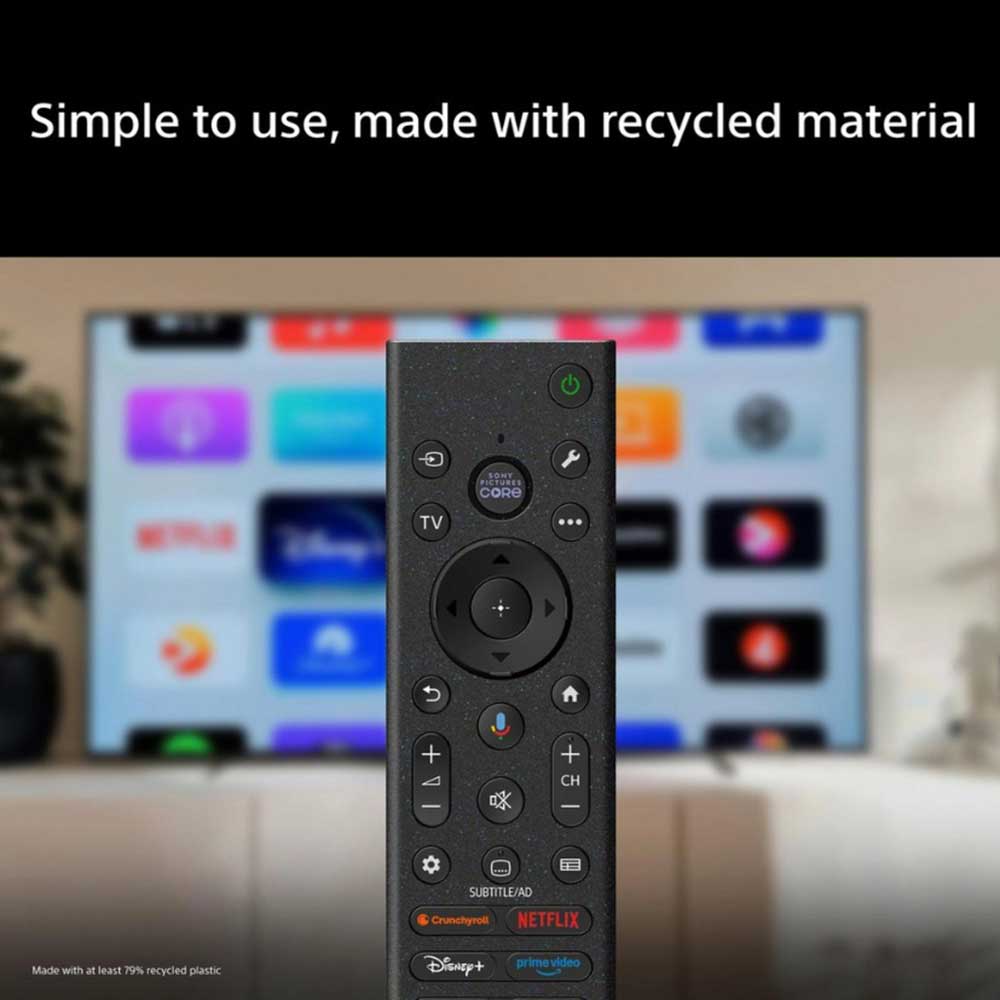
Google voice control provides a way to search for films, find programmes and access supported functions without typing every request. The television also supports compatible Alexa-enabled devices for additional control options.
The remote control includes a finder function to help locate it if it gets misplaced. The BRAVIA Connect app offers another way to control compatible television functions from a smartphone.
Voice functions and app features depend on compatible devices, software and setup. Some services may require an internet connection or separate subscription.
Dolby Atmos and DTS audio support
The television supports Dolby Atmos and DTS for compatible content. These audio formats can provide a more spatial sound presentation when the programme and playback equipment support the relevant features.
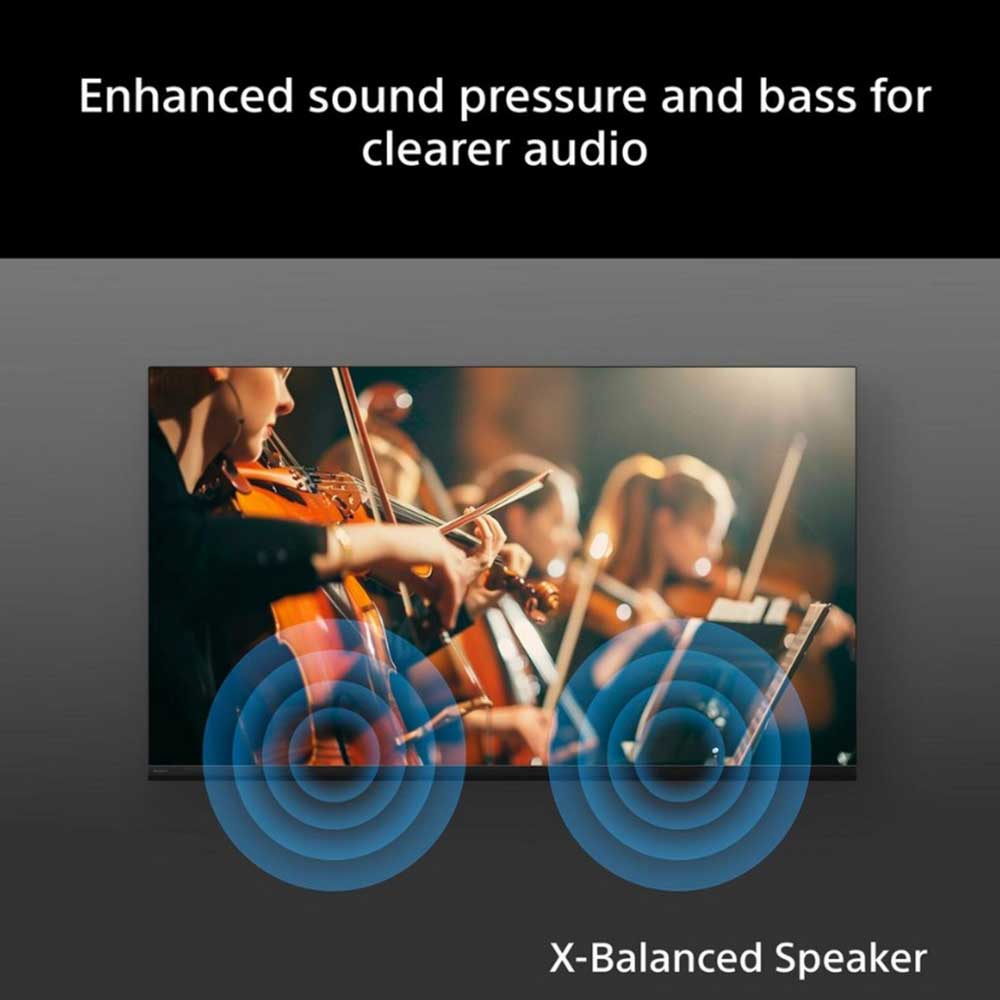
Sony’s X-Balanced Speaker design is intended to reduce distortion. If you want to build a more substantial sound system, a compatible soundbar or external audio system is worth considering.
The television also supports simultaneous sound output in compatible configurations, allowing headphones and the TV speakers to be used together. This can be helpful when different people have different listening preferences.
Connect your entertainment equipment
HDMI connections allow you to connect compatible consoles, players and other devices. Google Cast and Apple AirPlay 2 provide wireless options for sharing supported content from compatible personal devices.
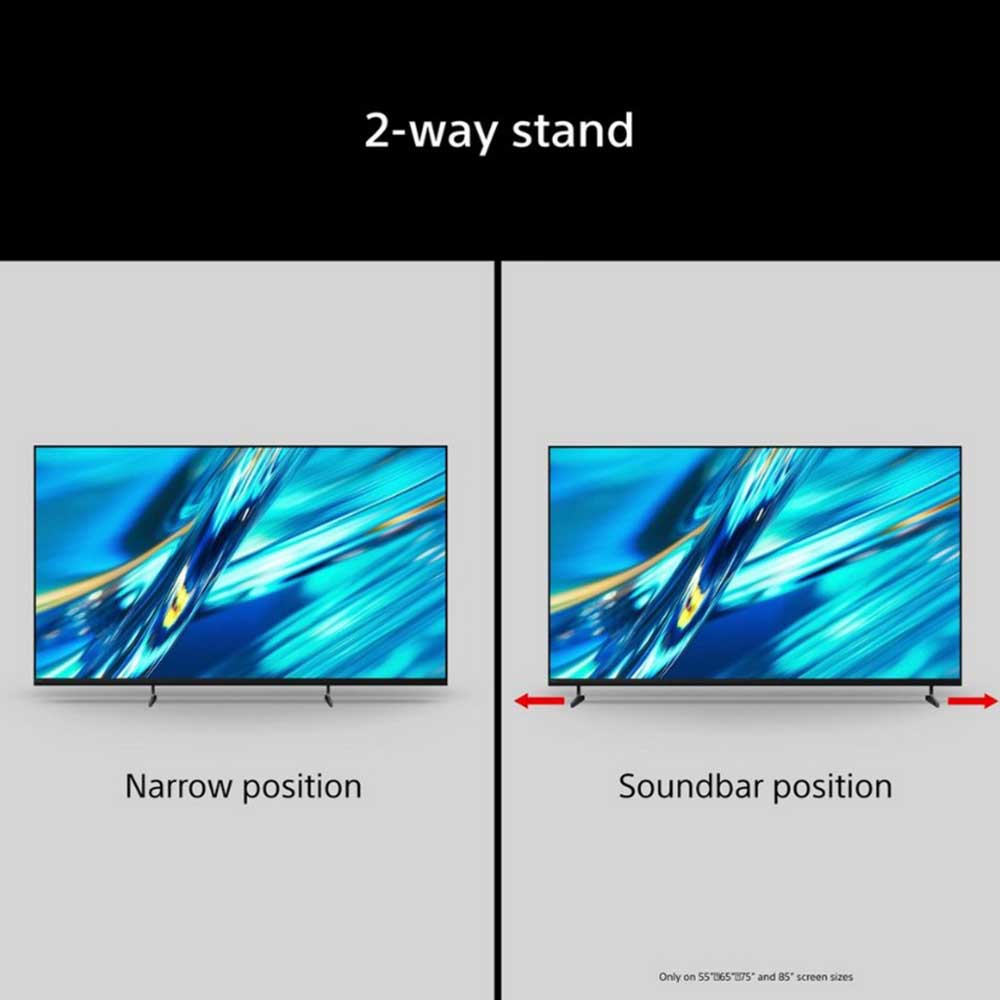
If you plan to use a soundbar, check its connection requirements and compatibility with the television. A suitable HDMI eARC/ARC connection can simplify audio connections with compatible equipment.
A clean design for a large screen
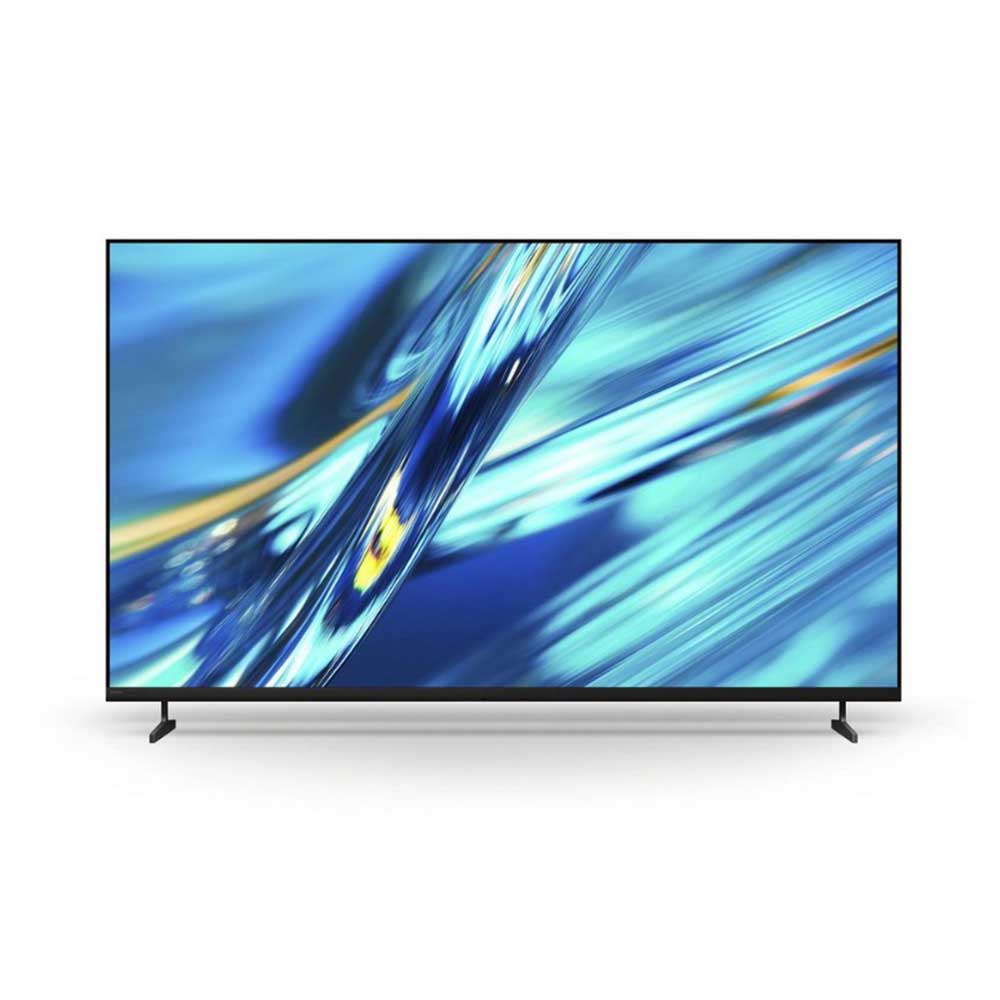
The Flush Surface design and slim bezel keep the frame visually unobtrusive, allowing more attention to remain on the picture. The television uses a slim T-shaped blade stand for suitable tabletop placement.
Wall mounting is another option with compatible equipment. Because an 85-inch television is large and heavy, check the exact model’s dimensions, mounting pattern and weight before choosing a bracket or arranging installation.
Energy-saving settings
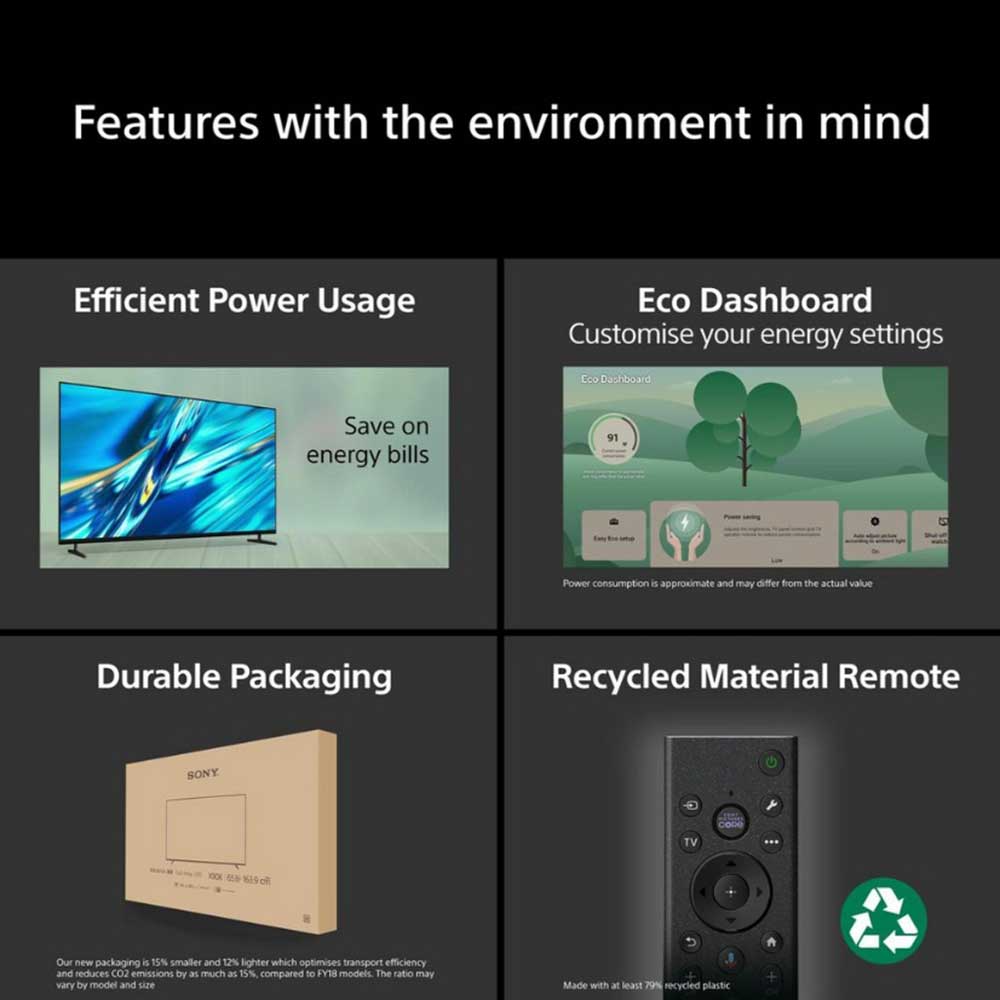
Eco Dashboard 2 brings supported energy settings together in one place and can monitor power consumption. Dynamic Backlight Control and Power Saving Mode provide options for managing energy use, while Display Off Mode lets you continue listening to audio with the picture switched off.
Actual energy consumption depends on viewing time, brightness, picture settings and use of connected functions.
Everyday Benefits
An 85-inch screen provides a large viewing area for films, sport and television programmes. It can suit a spacious living room or dedicated entertainment area, provided there is enough room for the screen and a suitable viewing distance.
The combination of 4K resolution and XR picture processing helps make the most of compatible high-resolution content. When you watch older programmes or lower-resolution broadcasts, XR Clear Image can upscale supported material towards 4K to improve its presentation.
Google TV simplifies access to supported entertainment services, while voice search and casting options offer additional ways to find and share content. You can connect compatible games consoles and other HDMI devices, making it easier to bring different parts of your entertainment setup together.
For gaming, 4K at 120fps, VRR and ALLM provide useful capabilities with compatible consoles and games. For films, Dolby Vision and supported audio formats add compatibility with content created for those standards.
The size of this television makes planning especially important. Measure your furniture or wall space, check access routes for delivery and installation, and consider whether your existing audio equipment will suit the screen.
Who Is It Ideal For?
The Sony BRAVIA 3 II is worth considering if you want an 85-inch 4K smart television for a spacious living room or dedicated home entertainment area.
It may suit:
- Film and series viewers who want a large screen and support for compatible Dolby Vision content.
- Sport viewers who want to watch matches and events on a much larger display.
- Streaming users who prefer to browse supported entertainment services through Google TV.
- Console players who want 4K at 120fps, VRR and ALLM with compatible gaming equipment.
- People using compatible Apple or Google devices who want to share supported media on their television.
- Households building a connected entertainment setup with games consoles, players and compatible audio equipment.
An 85-inch television is not suitable for every room. Check the available space, your usual viewing distance and the position of windows and lighting before deciding. If you are unsure whether this screen size will work in your home, the Snelling Gerald Giles team can help you consider the options.
Why Choose This Product?
The Sony BRAVIA 3 II combines an 85-inch 4K display with Sony picture processing and integrated smart entertainment. Its XR Processor and XR Triluminos Pro focus on refining picture detail and colour, while XR Clear Image helps improve the presentation of compatible lower-resolution content.
Google TV provides a central place to browse supported streaming apps, with voice control and content sharing through Google Cast and Apple AirPlay 2. HDMI connectivity allows you to connect compatible gaming consoles and other entertainment equipment.
For gaming, support for 4K at 120fps, VRR and ALLM makes it worth considering for compatible consoles. Dolby Vision, Dolby Atmos and DTS support provide additional compatibility for films and audio content in those formats.
The main consideration is the size of the screen. Make sure it suits your room and viewing distance, and check that your chosen furniture or wall installation can safely support it.
If you want a very large 4K smart television for films, sport, streaming and gaming, the BRAVIA 3 II offers a combination of picture processing, smart features and connectivity to consider alongside your space and budget.
What’s Included
- Sony BRAVIA 3 II television
- Remote control
The remote control and supplied accessories can vary by region or package. Check the setup documentation supplied with the television for the accessories included with your specific model.
Frequently Asked Questions
Is the Sony K85XR38M2PB.UKA an 85-inch television?
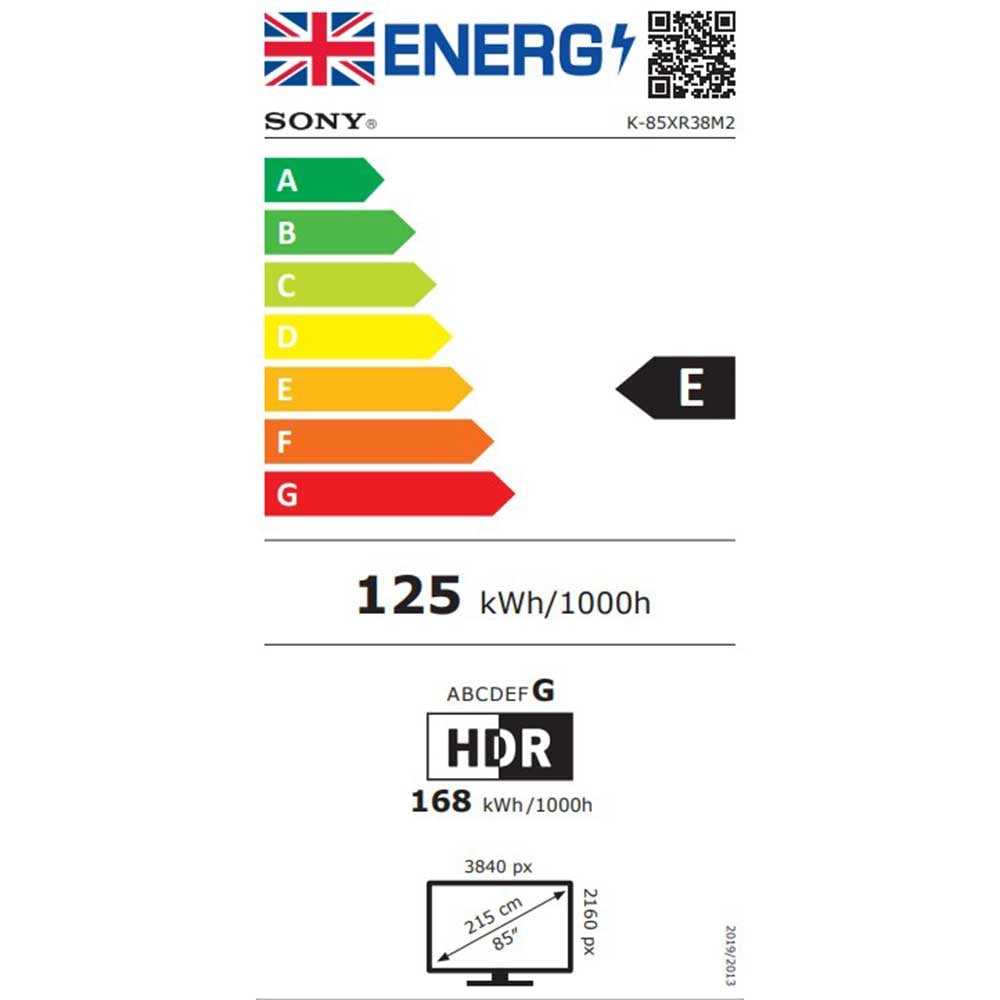
Yes. The model corresponds to the Sony K-85XR38M2, with a screen measuring approximately 85 inches diagonally, or 215cm.
Does this television have 4K resolution?
Yes. It has a 4K Ultra HD display with a resolution of 3840 × 2160 pixels. Compatible native 4K content can use the screen’s full resolution, while XR Clear Image can upscale supported lower-resolution content towards 4K.
Is the Sony BRAVIA 3 II suitable for gaming?
It supports 4K at 120fps, Variable Refresh Rate and Auto Low Latency Mode with compatible gaming equipment. You will need a compatible console, game and connection to use these features.
Does it have Google TV?
Yes. Google TV brings supported streaming apps and entertainment together in one interface. Some services require an account or subscription, and availability varies by region.
Can I share content from my phone or tablet?
Yes. Google Cast and Apple AirPlay 2 support sharing compatible content from supported devices. Available functions depend on your device, app and software.
Does it support Dolby Vision and Dolby Atmos?
Yes. The television supports Dolby Vision HDR picture content and Dolby Atmos audio. It also supports DTS. The experience depends on the content and compatible playback equipment.
Can I connect a soundbar or games console?
Yes. The television has four HDMI 2.1 ports for compatible equipment. Check the requirements of your soundbar or console and use the appropriate connection and settings.
Can the 85-inch television be wall-mounted?
Wall mounting is possible with a compatible bracket. Because this is a large screen, check the model’s mounting specifications, bracket capacity and the suitability of the wall before installation. Professional installation can help ensure that the television is fitted safely.
Why Buy from Snelling Gerald Giles?
Choosing an 85-inch television involves more than comparing screen sizes and specifications. Your room layout, viewing distance, delivery access and connected equipment all influence whether this model will suit your home.
Snelling Gerald Giles is an independent electrical retailer serving Norfolk since 1948. Our team can help you compare televisions, understand the differences between their features and choose a setup that fits your needs.
We offer delivery and can help with television installation and wall mounting where applicable. You can also visit our Norwich or Blofield showroom for advice and to view selected products. Please check with us before travelling if you want to see a particular model on display.
If you’re comparing prices, our Price Match Promise is subject to its published policy and terms. We can also help you consider compatible accessories, including wall brackets, soundbars and HDMI cables, so that your television works with the rest of your entertainment setup.
From checking whether an 85-inch screen will suit your room to discussing gaming connections and audio options, our team is here to help you make an informed decision before you buy.